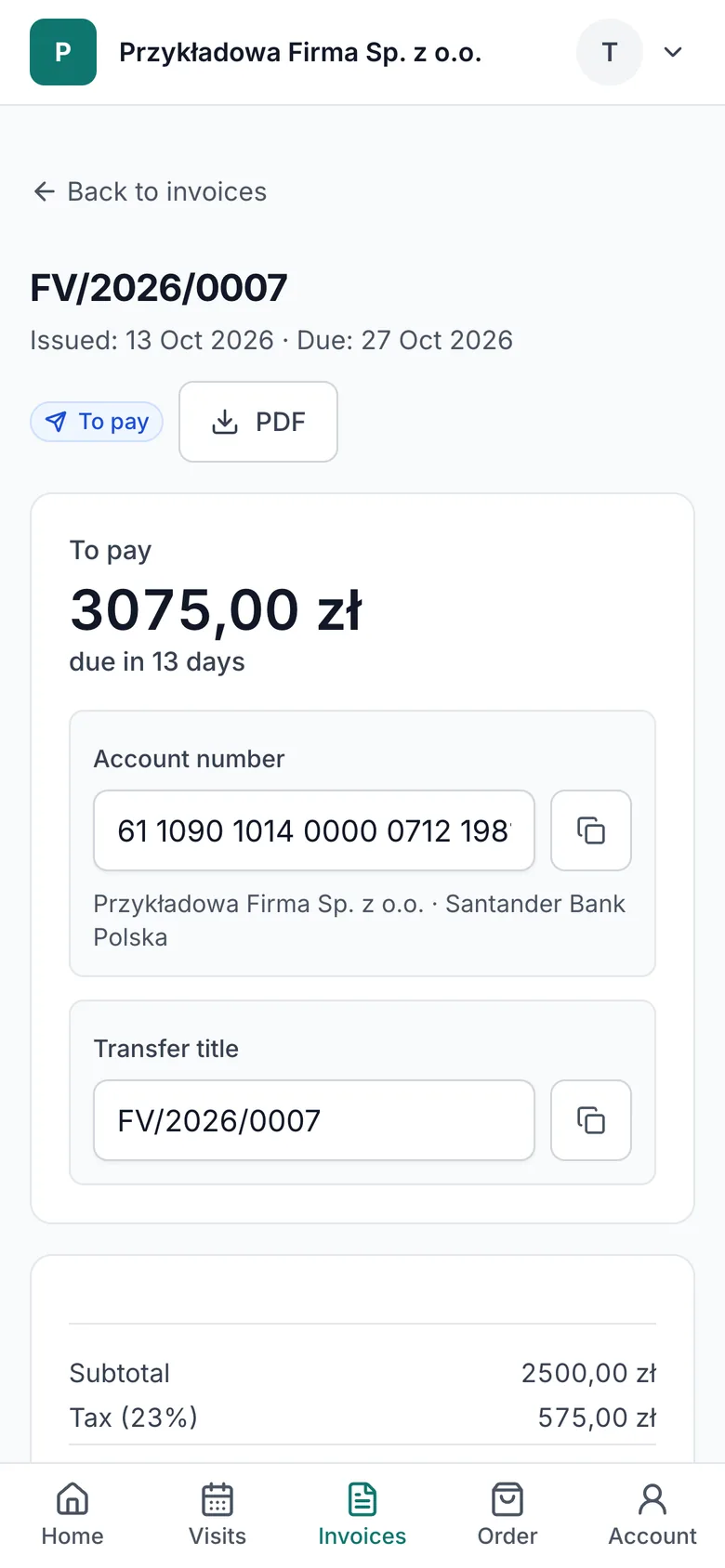
Cleaning schedule
One-off and regular cleans, every week or every month. Set it once, and Mopka lays out the next dates itself and warns you when someone has two jobs at once.
Plan the week in minutes. Your staff have their jobs on their phones, and clients see the photos in their account after each clean. No Excel and no endless calls.
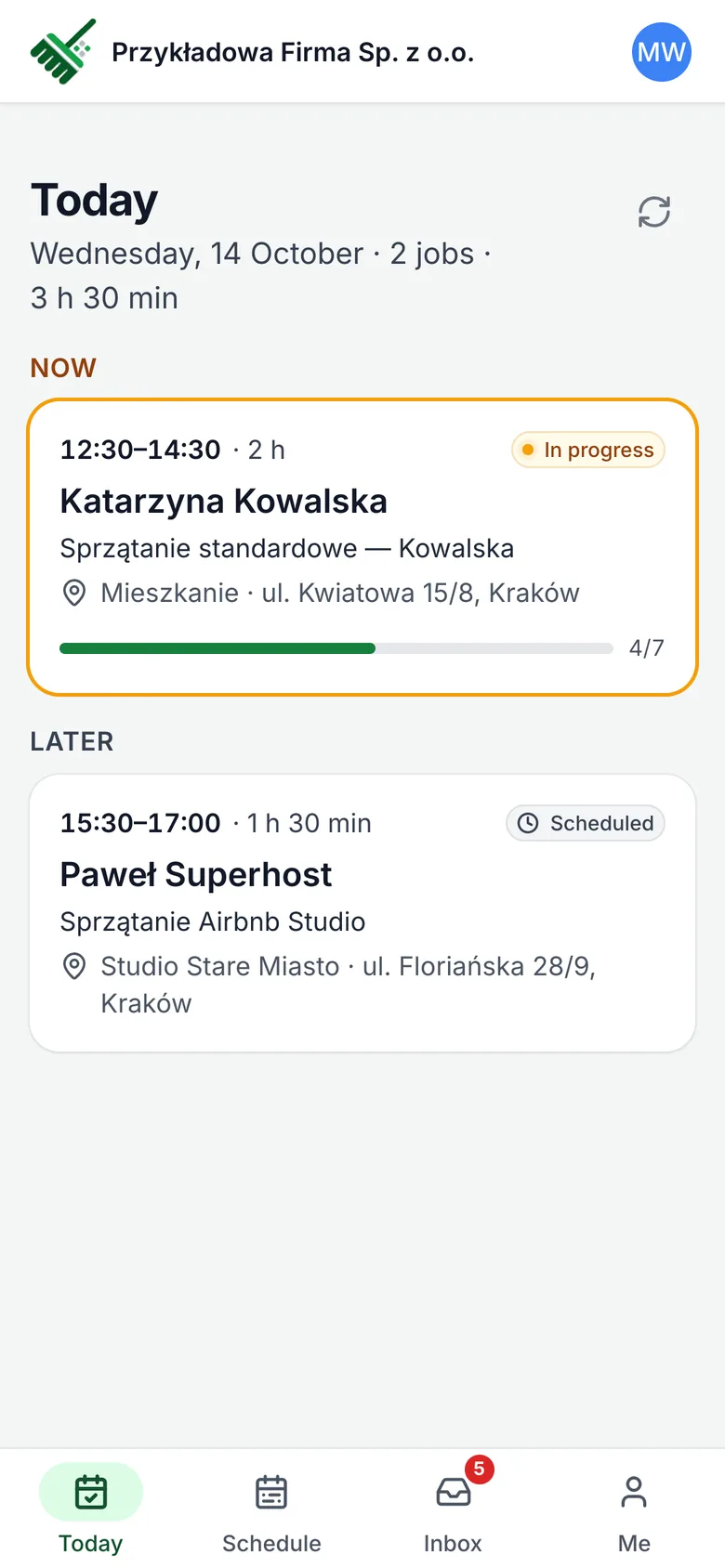
Today
Wednesday · 2 jobs · 3 h 30 min
Now
12:30–14:30
Katarzyna Kowalska
ul. Kwiatowa 15/8
Door code: 2809
StartNext
15:30–17:00
Studio Stare Miasto
ul. Floriańska 28/9
Visit report · yesterday
Office and kitchen cleaning
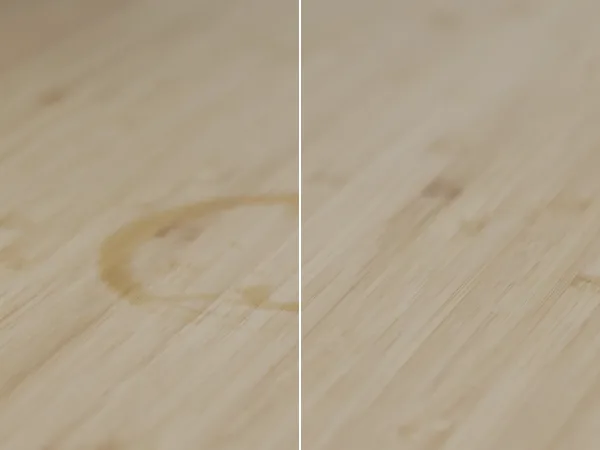 BeforeAfter
How it works
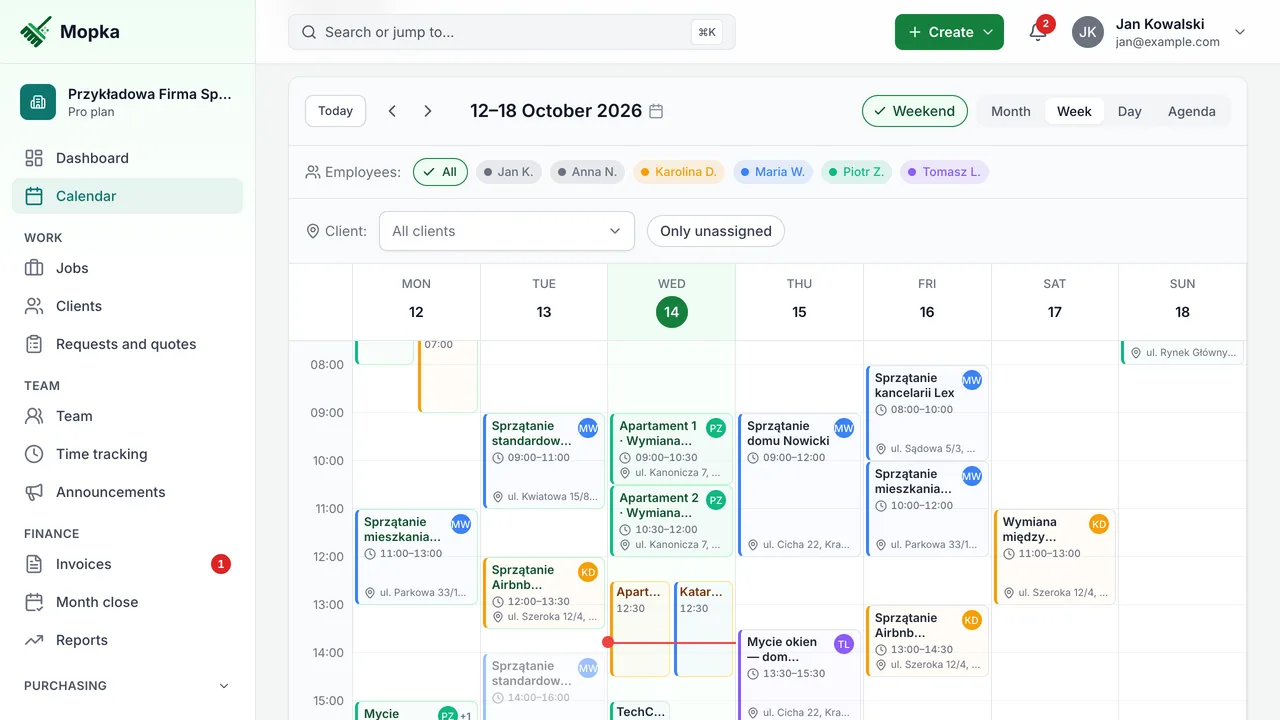
1. The office plans
You add a clean at Mrs Kowalska's for Thursday at 10:00 and choose who goes. If that person already has a job then, Mopka tells you straight away.
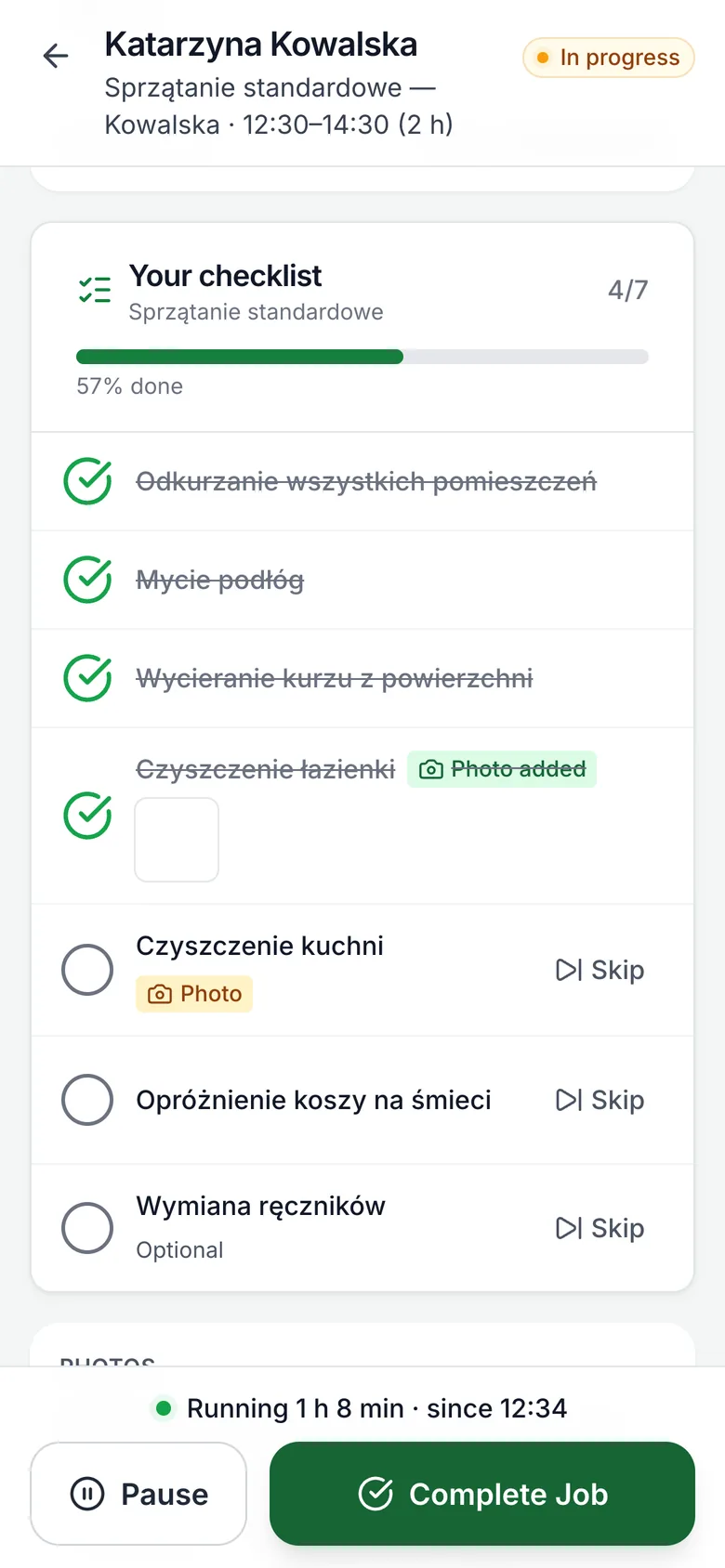
2. The crew cleans
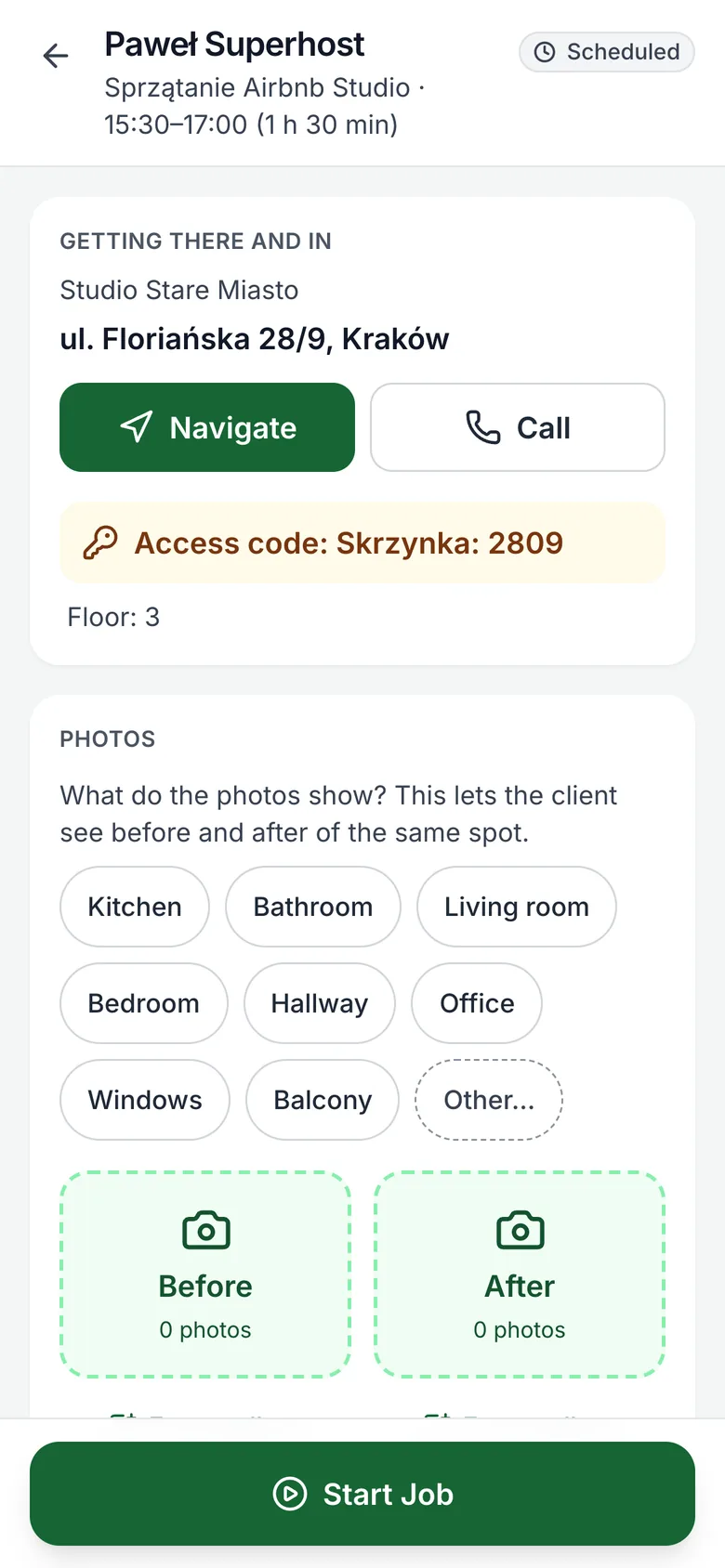
In the morning Ola sees the address, the door code and what to do on her phone. On site she taps “Start”, takes photos before and after, and her hours count themselves.
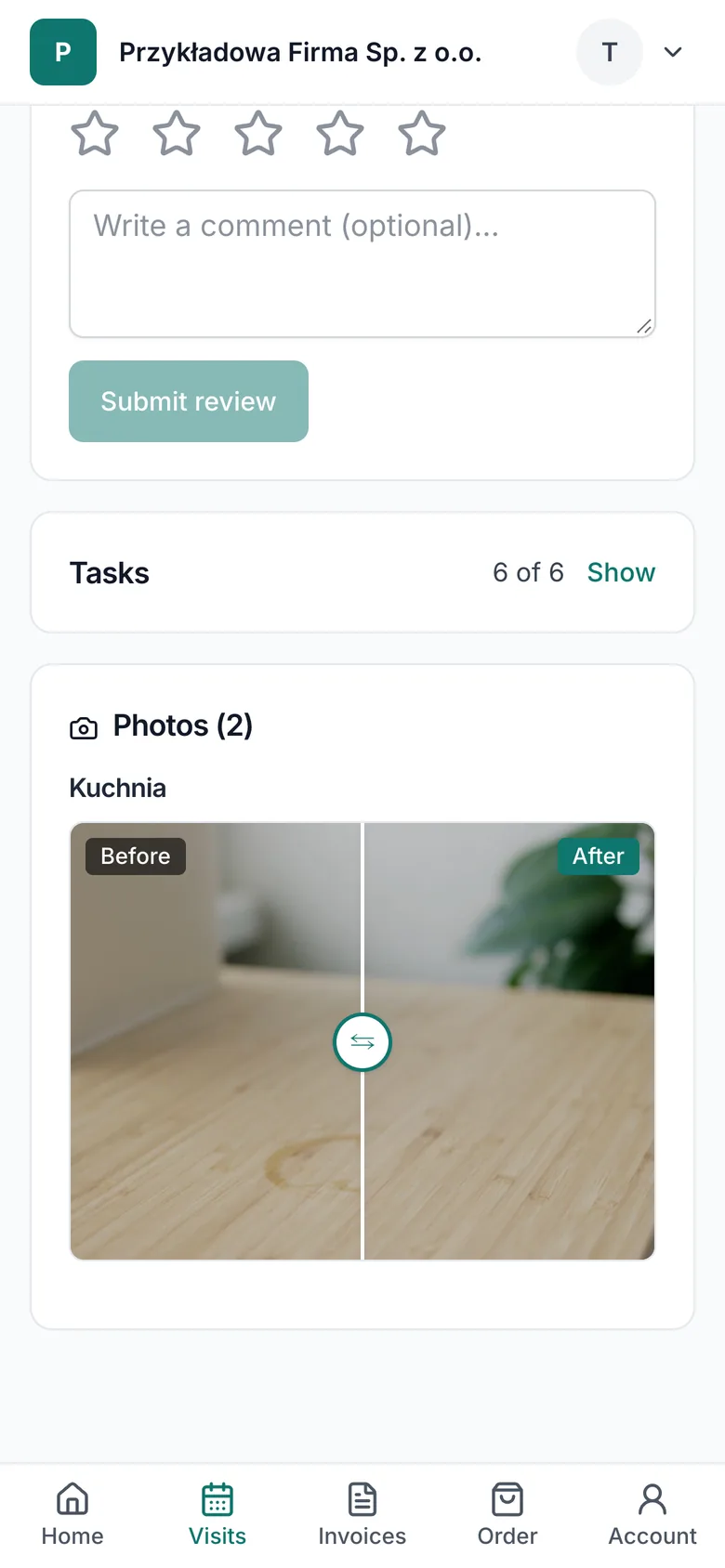
3. The client checks
Mrs Kowalska sees the photos and a list of what was done in her account. She doesn't have to call to ask whether the crew has been.
Before and after photos
A client says the kitchen wasn't cleaned? Open the job and show the photo taken on site. Your staff take photos on their phone before and after cleaning, tagged with the place (e.g. kitchen), and the client views them in their account by dragging the slider.
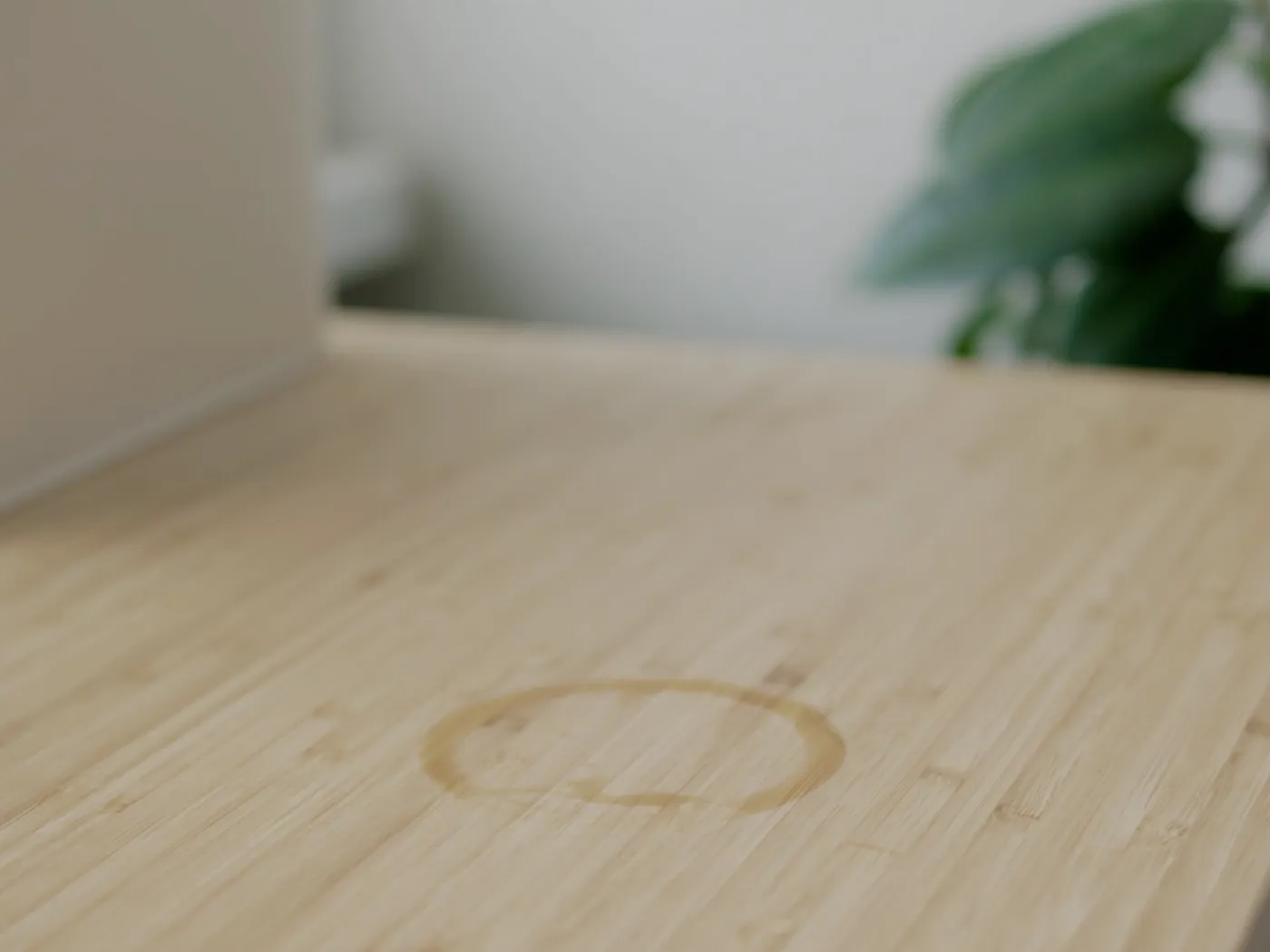
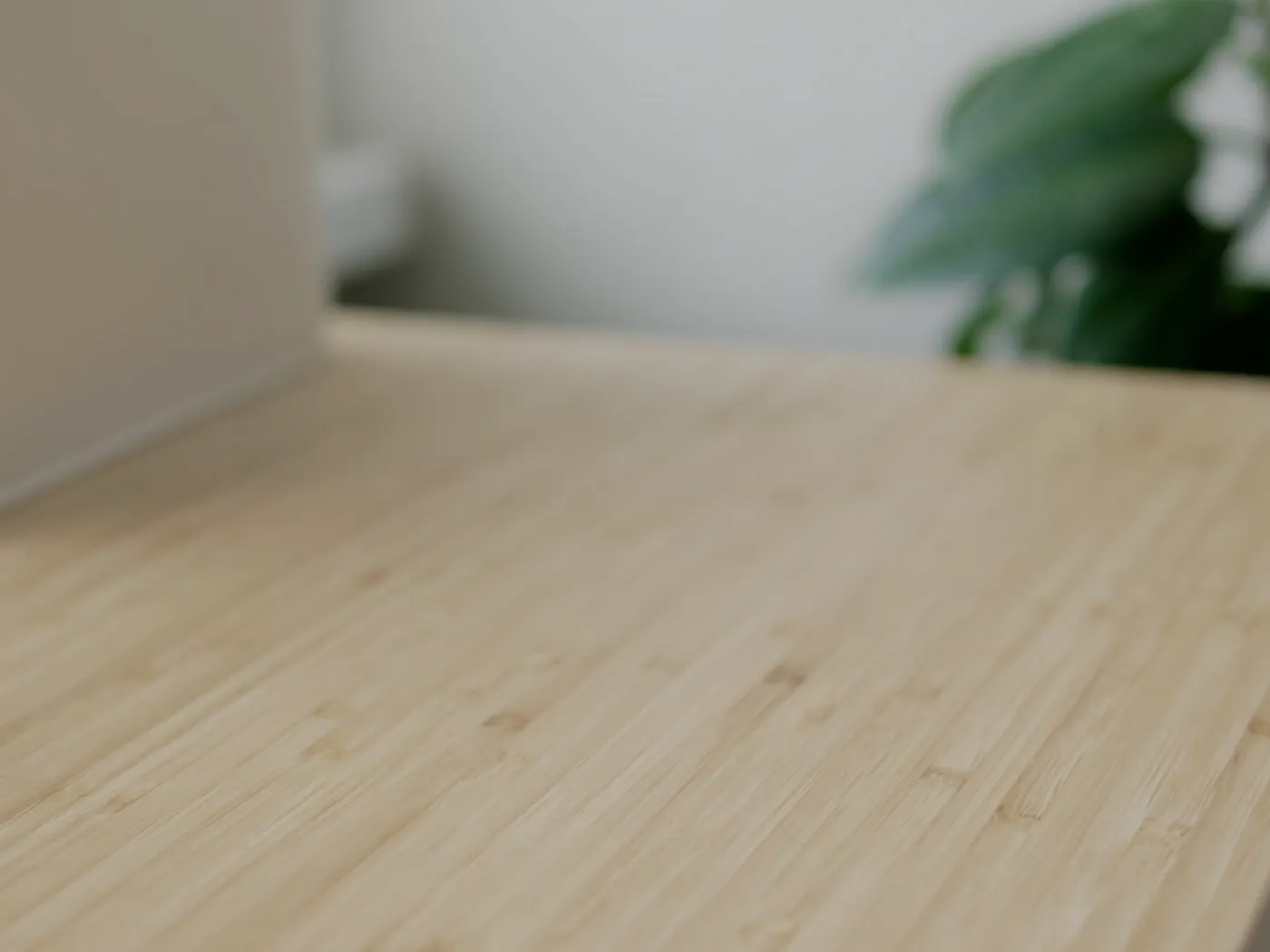 BeforeAfter
Client portal
Each client gets a link to their own account in Mopka. They see dates, photos and invoices there, so they sort most things out themselves, at any time of day.
You can change the portal's logo, colours and cover photo to your own on the Starter and Pro plans.
Try the portal for free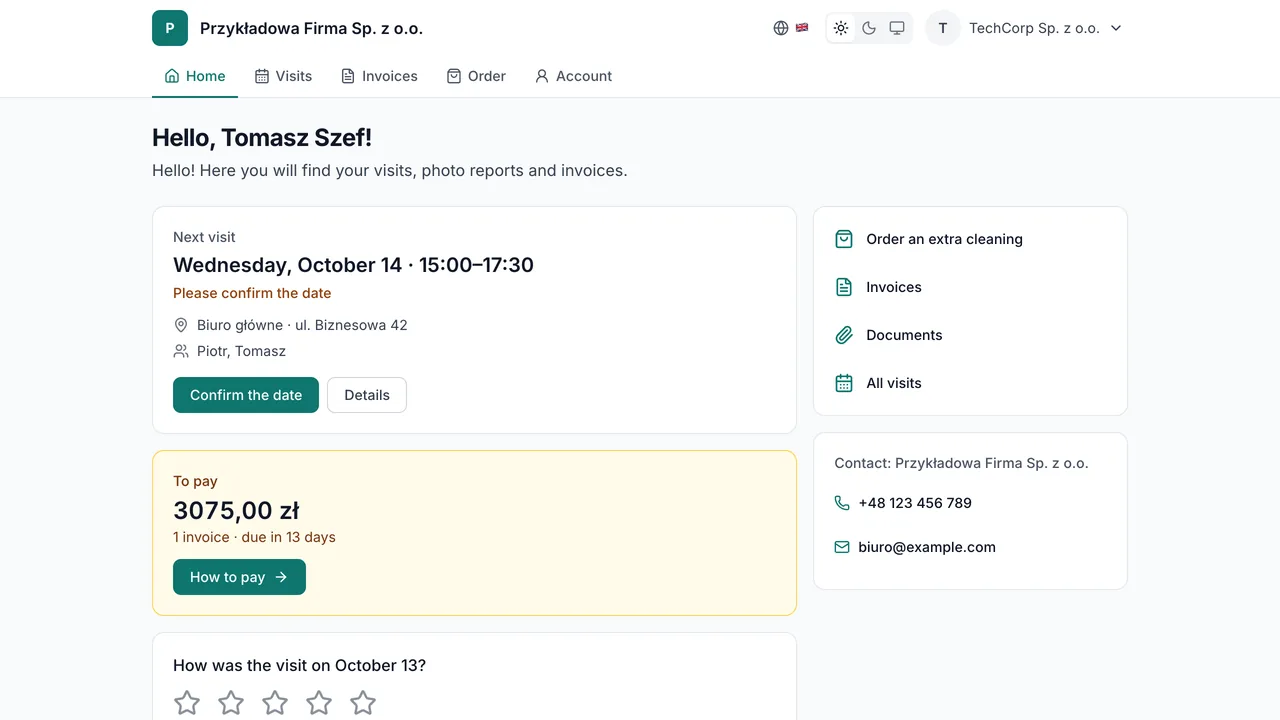
App for your staff
Each of your staff has their day on their phone: addresses, times, door codes and the task list. They see only their own cleans and get schedule changes straight away.
For you and the office
At 8:15 you see that Ola has started at Mrs Kowalska's and Marek hasn't arrived yet. With GPS on, you also know whether they were at the right address.
No Excel, no sticky notes and no ten WhatsApp groups. Clients, staff, hours and money in one program.
One-off and regular cleans, every week or every month. Set it once, and Mopka lays out the next dates itself and warns you when someone has two jobs at once.
Turn on the GPS check, and when your cleaner taps “Start”, Mopka compares the phone's location with the client's address. If they're not there, it won't let them start or asks for a reason. You can also just keep where someone started and finished, without blocking anything. The location is saved only at the tap, and nobody is tracked all day.
Hours count themselves, from “Start” to “Finish”. At the end of the month you have the payroll ready and a summary for your accountant in Excel or PDF.
Each client has an account with dates, photos and invoices. They can confirm visits and order the next clean themselves, so they call you less often.
Make a list for each type of cleaning: counters, mirrors, floors. Your staff tick items off on their phone, so nobody forgets the fridge.
Issue an invoice from a job in Fakturownia, inFakt or iFirma, or attach a PDF from another program. See who has paid and who is late.
Switch it on once, and the day before a clean Mopka sends the client a reminder by SMS or email. Fewer days when your crew stands at a locked door.
A client asks about the price? Work it out in the calculator and send a link. The client accepts the quote online, and one click turns it into a job.
Add a staff member by sending them a link. Set their rate, and they see only their own cleans. You see everyone.
Enter your company name, your details and email. Two minutes, no card and no sales call.
Invite your staff with a link. Type in your clients or import the Excel file you already have.
Add your first job to the calendar, and your staff see it on their phones right away.
Pick a plan by the number of people in your company. No yearly commitment needed, and you can cancel anytime.
Free forever, no card required
For a small company, with every feature
For a bigger company, no headcount limit
Excel is only free at first glance
You pay for it with your time: copying hours, searching for who you invoiced, and calls asking “where are you?”. Starter usually costs less than one clean a month. If Mopka saves you an hour a week or one forgotten booking, it pays for itself.
All prices are net. 23% VAT is added to each payment. If you're a VAT-registered business, you deduct the VAT in your tax return.
Everything worth knowing about Mopka before you sign up. Couldn't find an answer? Email us at [email protected].
Mopka is a Polish platform for running a cleaning company. It replaces Excel, Google Calendar, and manual SMS reminders. You get clients, team scheduling, invoices, checklists, and automated notifications in one place. Most owners save a few hours a week on admin work.
Mopka is built for Polish cleaning companies of any size, from a one-person business to firms with branches in multiple cities. It works for office cleaning, residential cleaning, hotels, short-term rentals, and ongoing B2B contracts. If you manage a team schedule and a client list, Mopka is for you.
Yes. You open it in the browser and it works. Nothing to install. Field workers check their jobs, tick off checklist items, and take photos straight from their phone. You can also add Mopka to the home screen like a regular app (PWA).
Excel won't issue an invoice, and Google Calendar won't count your crew's hours. Mopka creates recurring jobs on its own, sends SMS to clients, calculates pay from hours, and flags conflicts in the schedule. Everything in one place, shared with your whole team.
Got a question? Want to know more? Write to me. I usually answer the same day.
Or write to me directly
[email protected]It takes 2 minutes to create an account. For 14 days you get every Pro feature, then you decide whether to stay on the free plan.
No card • Ready in 2 minutes